

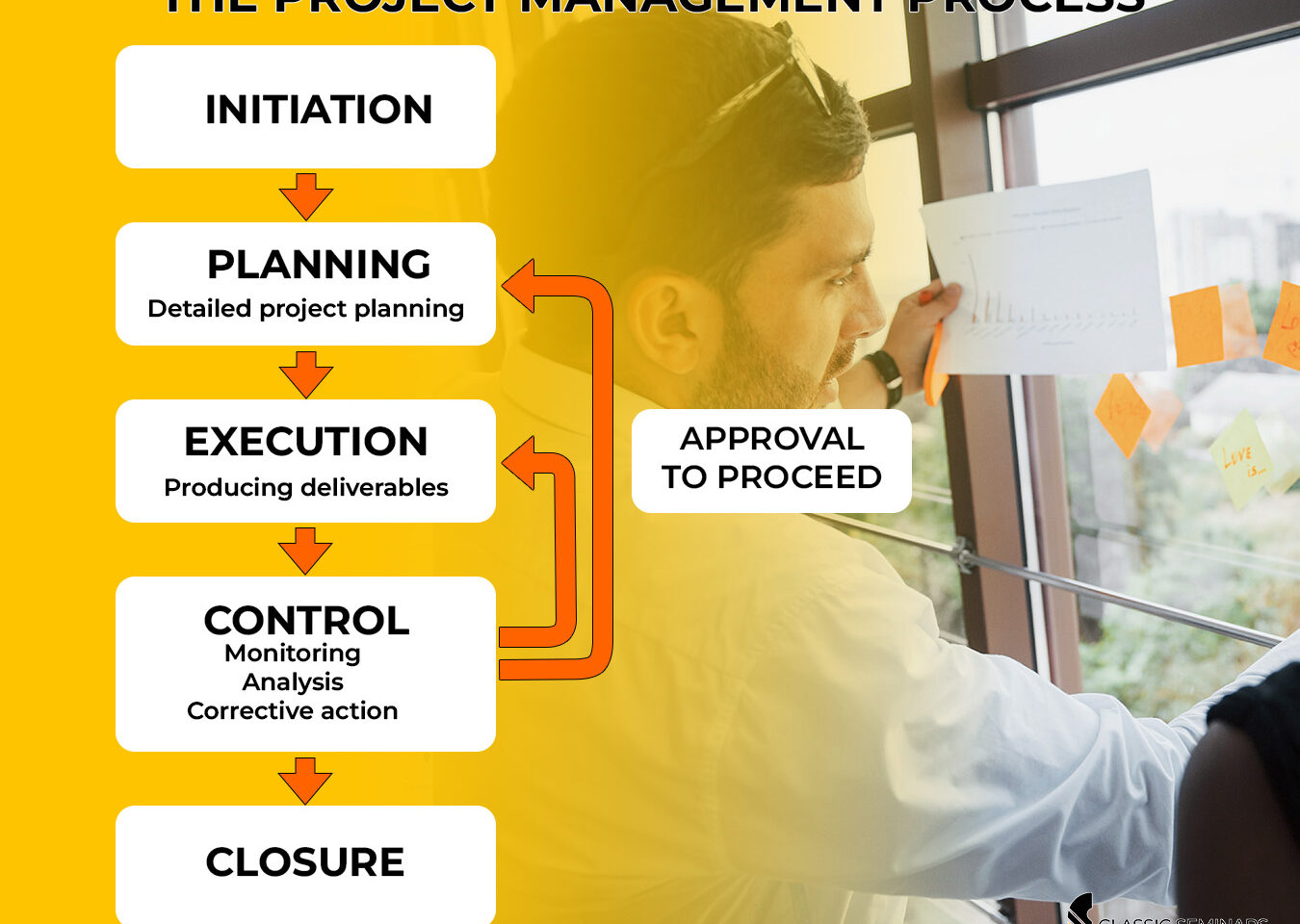
The Project Management Process Integrated with Microsoft Project
An effective project management process requires more than intuition and hard work, it requires the right tools and controls at every stage. One such tool that stands out in both simplicity and capability is Microsoft Project. MS Project serves as a central hub to plan, track, and steer your projects.
Let’s break down exactly how Microsoft Project integrates into each phase of the Project Management Process, and where it adds the most value.
The Project Management Process
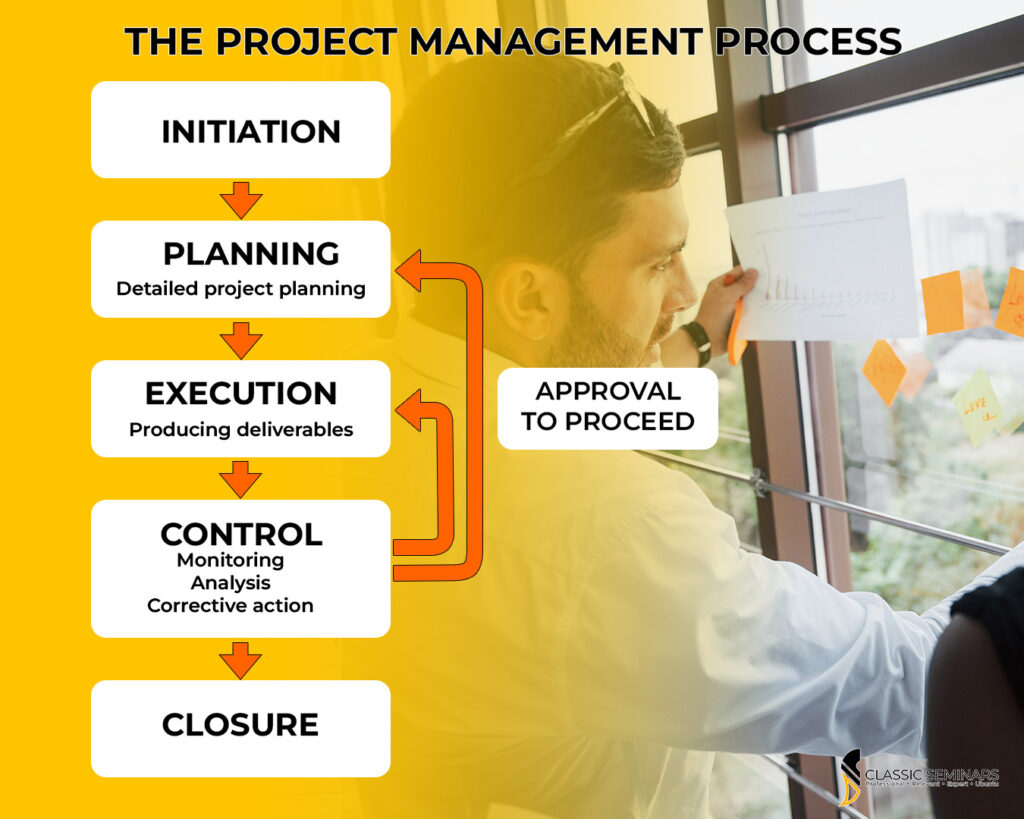
This standard 5-phase model guides the journey from idea to close-out:
- Initiation
- Planning
- Execution
- Control
- Closure
Each phase has specific outputs and control points. Before we unpack them and explore where MS Project fits in, below is a look at what you should know each stage of a project demands you need to plan for a tracking and control perspective.

Initiation – Defining What You’re Delivering
Every solid project begins with a clear scope and a structured Work Breakdown Structure (WBS). This forms the backbone of your project.
In Microsoft Project during the initiation phase you can:
- Structure your WBS hierarchically
- Define tasks, milestones, and sub-tasks
- Start mapping initial timelines and dependencies
Start with the end in mind—and build the structure to get there.
Planning – Detailed project planning
Planning is where Microsoft Project truly shows its value. This stage involves building a realistic, time-bound, and resource-aware plan.
Key MS Project Features for the planning phase of projects:
- Gantt chart development
- Task dependencies and sequencing
- Resource loading and levelling
- Baseline setting for future performance tracking
Your baseline schedule becomes your yardstick. From this point on, every deviation can be measured against this planned timeline and cost.
Execution – Turning Plans into Action
Once approved, the project shifts from planning to doing.
Microsoft Project supports the execution phase by:
- Assigning tasks to resources
- Tracking actual progress and effort
- Adjusting task status in real time
It becomes your digital site diary, logging what’s done, who’s doing it, and what’s still pending.
Control – Keeping Everything on Track
This is the most iterative and often underestimated stage. It’s where project health is assessed, problems are caught early, and decisions are made to keep things moving.
The three critical aspects of Control:
- Monitoring – Meetings, site inspections, reports, testing
- Analysis – Variance analysis for time, scope, cost
- Corrective Action – Expediting work, reallocating resources, adjusting schedule

MS Project tools in the Control phase:
- Progress updates & variance tracking
- Earned Value Management (EVM)
- Cost/resource analysis
- Re-baselining when changes are approved
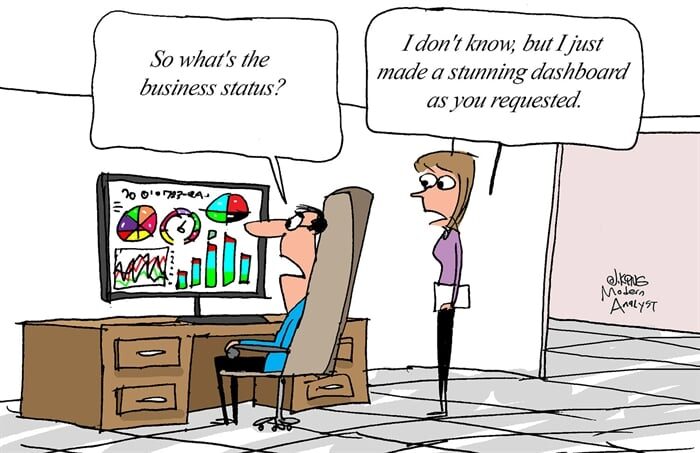
The control stage often loops back to Planning or Execution, and MS Project manages that cycle seamlessly giving practical insight and agile capabilities with of course a stunning dashboard to boot.
Tackling Cost Overruns in Control Stage of the Project Management Process
Every project manager faces it: cost creep.
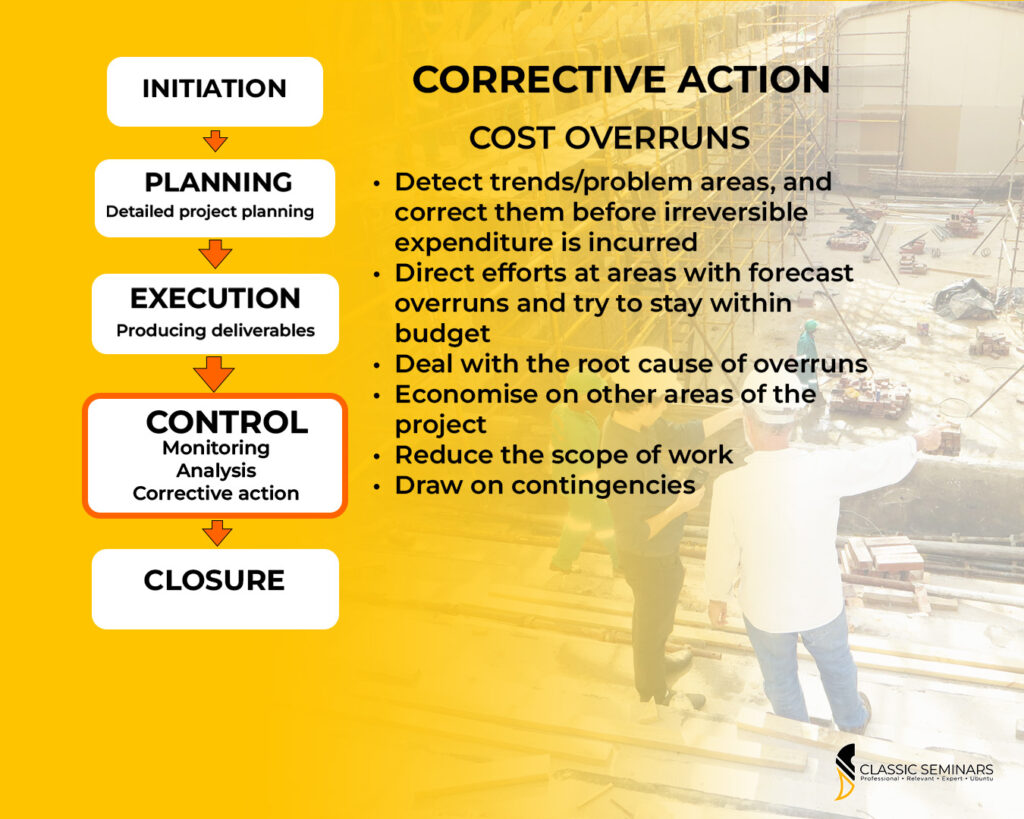
As the image shows, effective cost control requires:
- Early detection of problem areas
- Forecasting and targeting risky cost zones
- Dealing with root causes (not just symptoms)
- Drawing on contingencies or adjusting scope if necessary
MS Project supports the correction of cost overruns through:
- Generating cost reports
- Comparing actual vs planned spend
- Highlighting overruns
- Allowing quick ‘what-if’ scenario simulations
Closure – Measuring Quality and Finishing Strong
Closure isn’t just paperwork—it’s reflection and evaluation. Did we meet our scope? Was quality up to spec? What did we learn?
MS Project helps you in the closure stage to:
- Log final deliverables
- Generate close-out reports
- Measure performance against baselines
- Capture lessons learned and future insights
Why Microsoft Project Matters Across the Project Management Process
MS Project isn’t just for scheduling—it’s an integrated tool that touches every part of the PM process:
✔️ Plan it
✔️ Track it
✔️ Control it
✔️ Report on it
✔️ Close it
South African projects operate in fast-changing environments you need a flexible, reliable tool that adapts with you. Microsoft Project, paired with the right training, becomes your silent team member: always calculating, tracking, and alerting. Classic Seminars has trained over 15,000 South African professionals in Project Management tools like MS Project and Primavera. Join us online or at venues in Midrand, Cape Town, or Durban.

